Find every off-brand font and color in your Google Slides deck
When many people edit a deck, fonts and colors drift. Decksure checks the whole deck against your brand kit and takes you straight to each one that's off.
A Google Slides add-on. Works with your Google account. Your slides never leave Google.
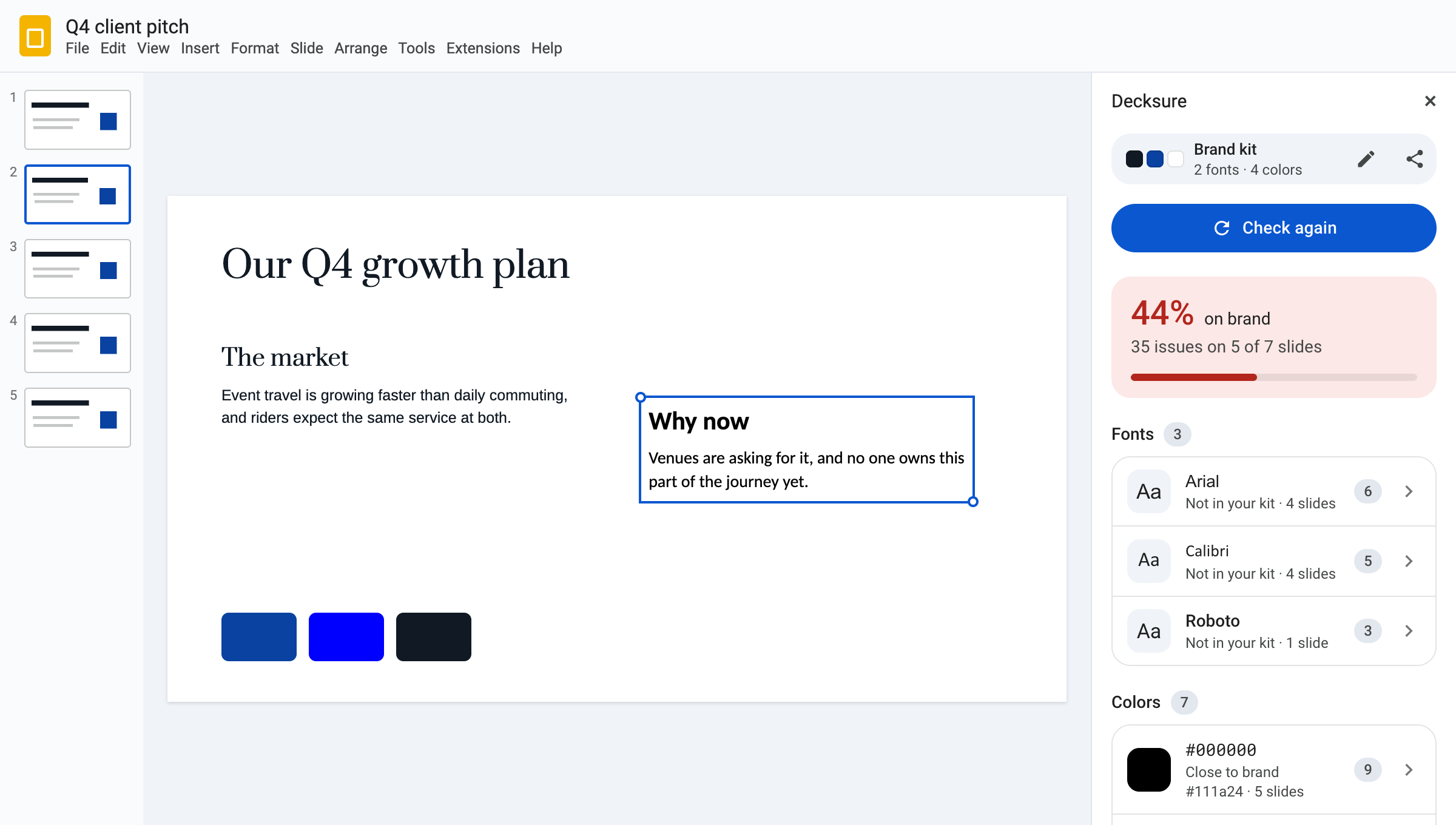
Decks drift when many people edit them
Someone pastes a slide from an old deck and Calibri comes with it. Someone else picks a blue that's almost right. Checking by hand means clicking through every text box on every slide, and things still slip through.
A Slides theme doesn't solve it: it sets the starting point, but it doesn't catch text someone pasted in or formatted by hand. If your agency, consultancy or sales team sends a lot of decks, you know this job.
Set your brand once. Check any deck in seconds.
No new account, no admin panel, no file uploads.
Save your brand kit
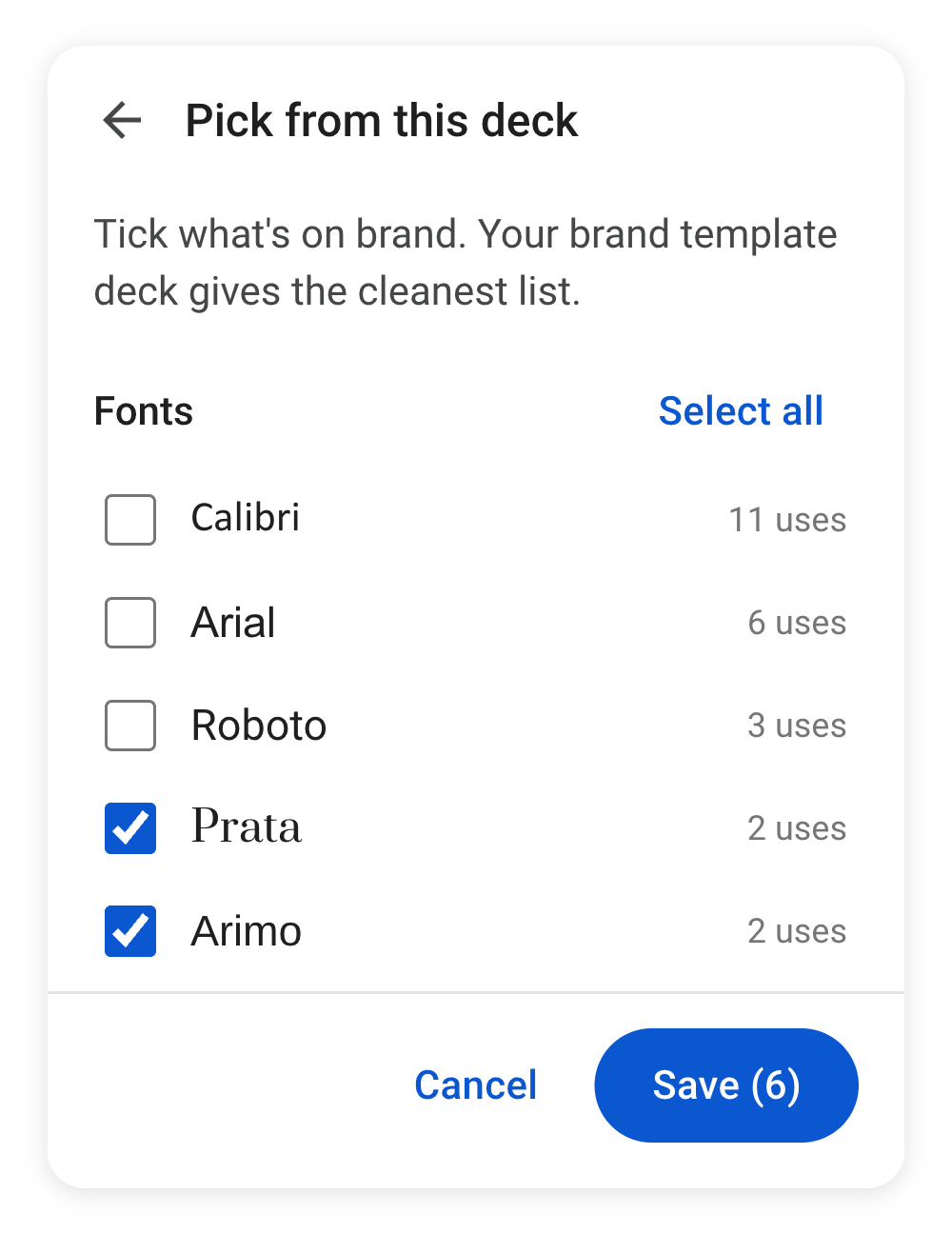
Open your brand template and tick the fonts and colors that belong. Or type them in, or paste a code from a teammate so the whole team checks against the same kit.
Check the deck
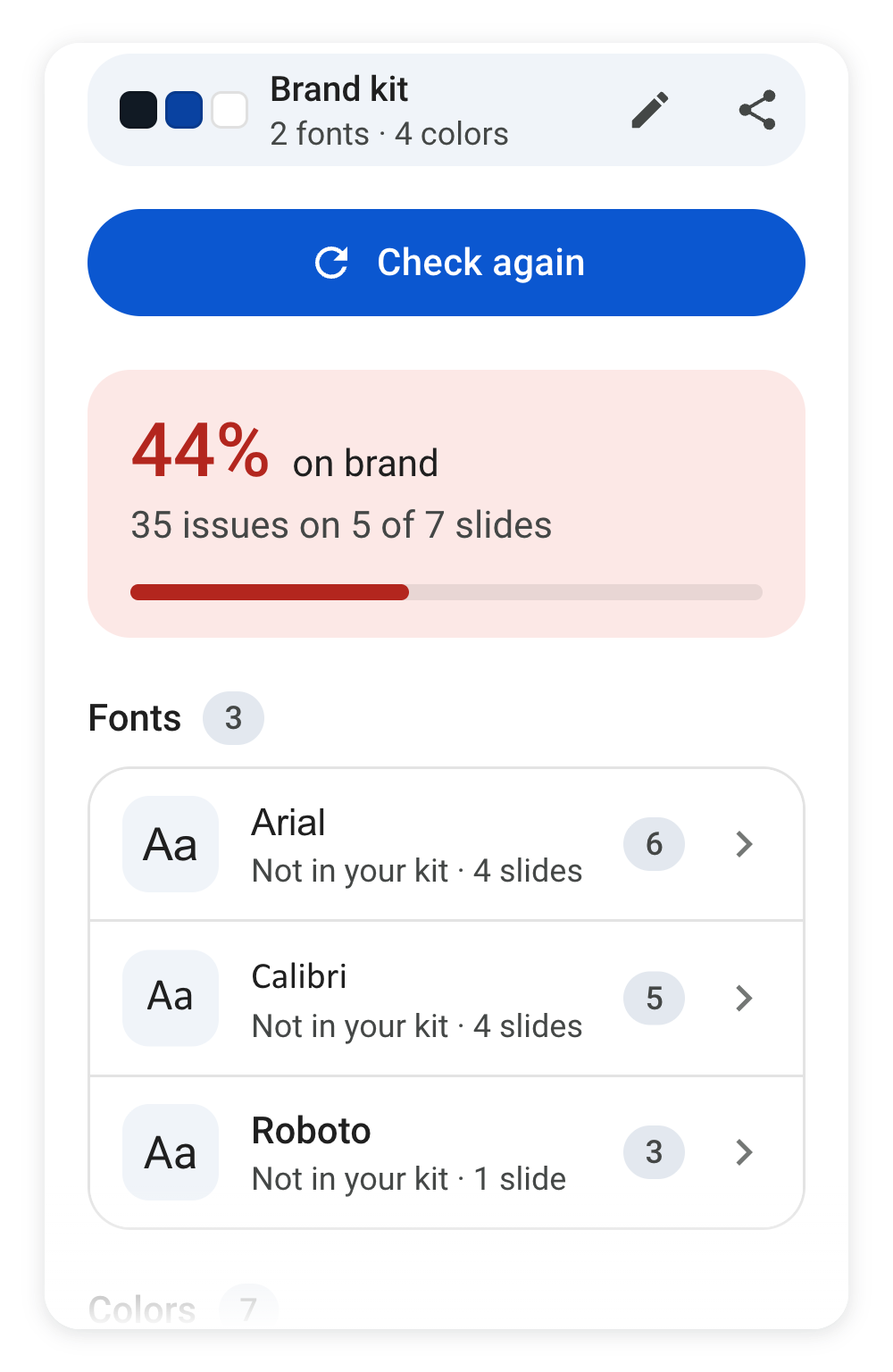
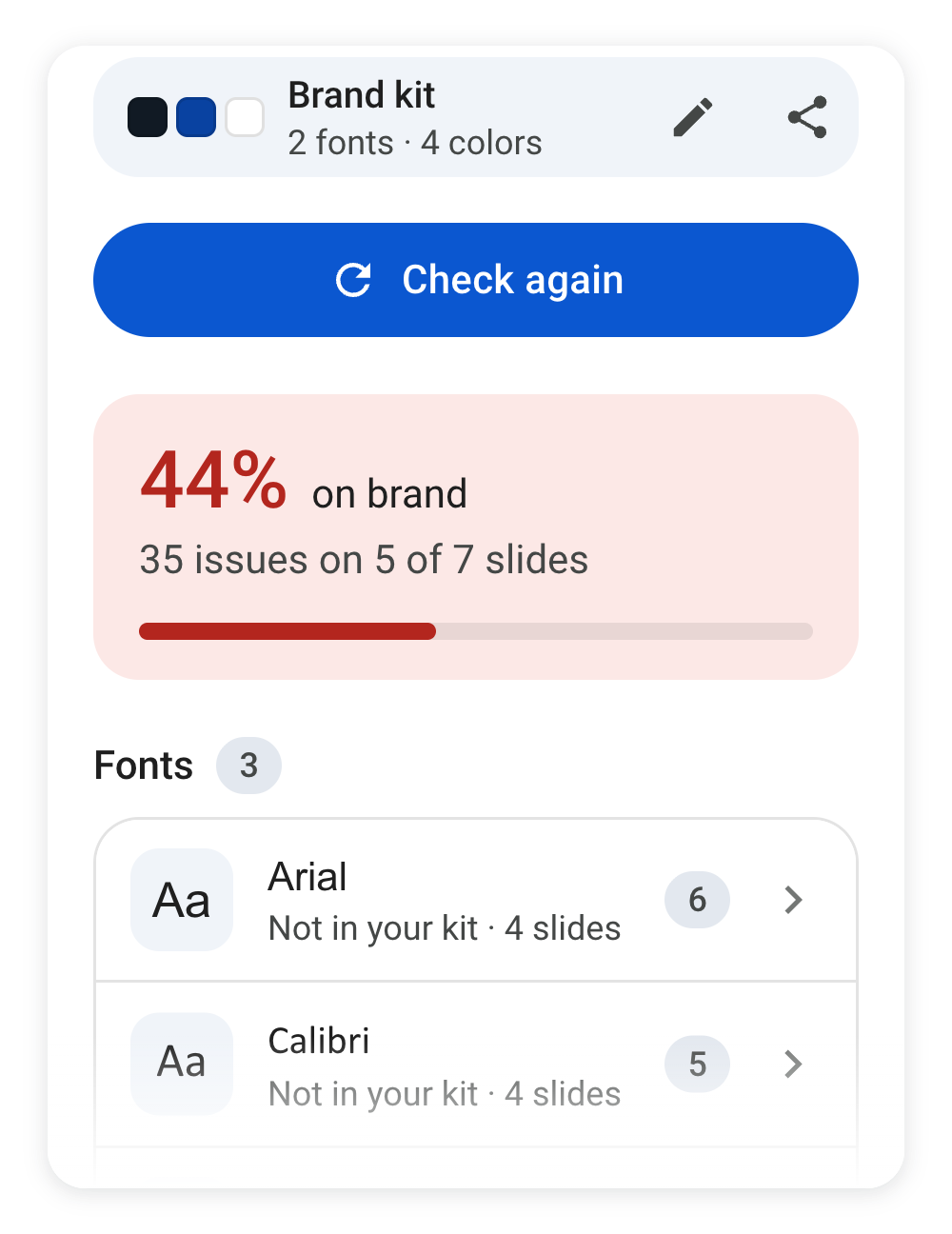
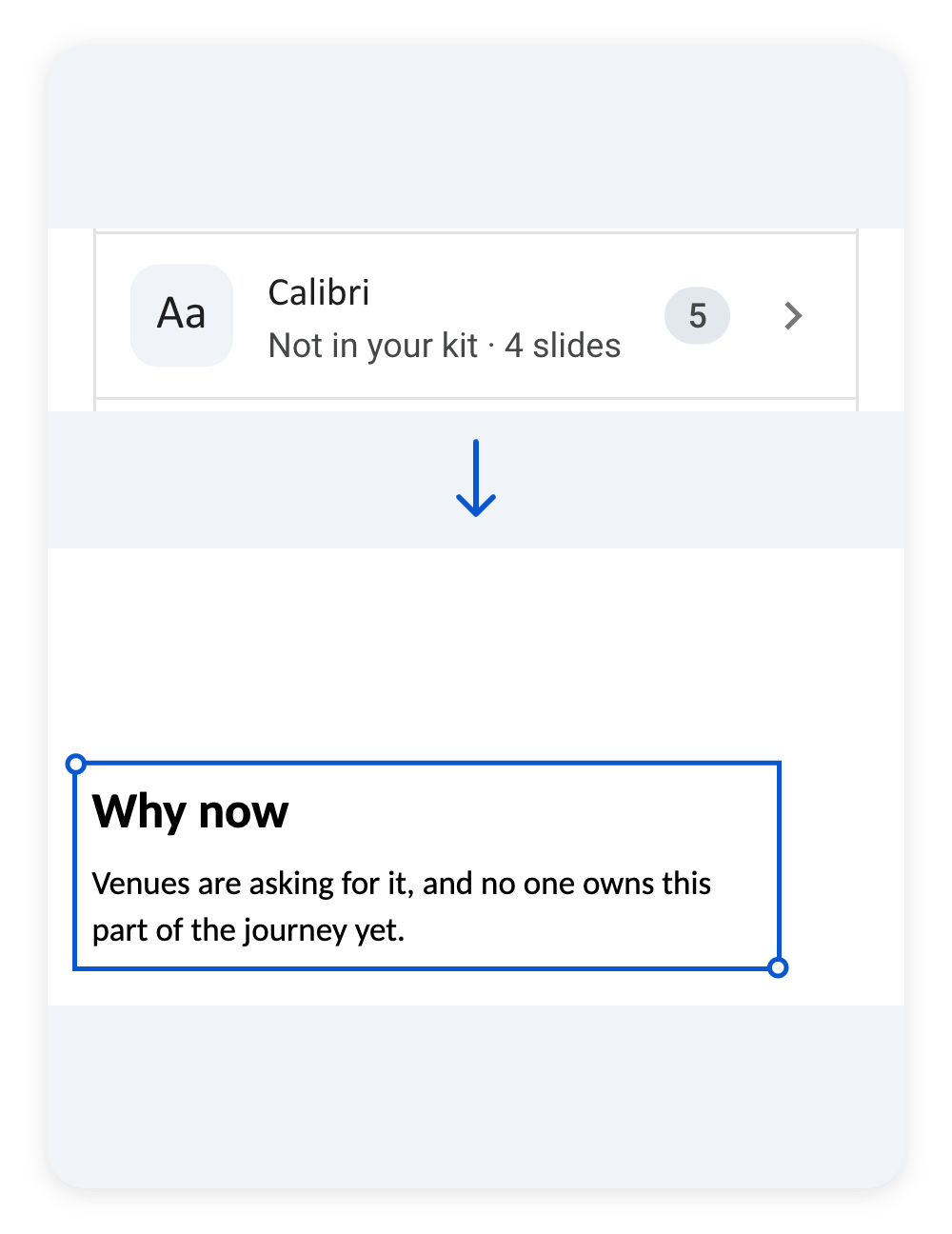
One click gives you a score and every off-brand font, color and text below your minimum size. A hundred stray Calibris read as one line.
Jump to each fix
Click an issue to land on the exact text box or shape, then fix it yourself.
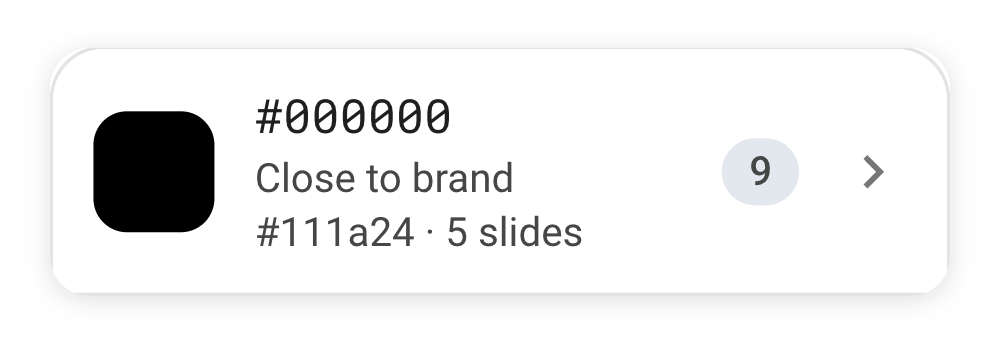
Catches the shade that's almost right
These two look almost the same on screen. One is your brand color and one isn't. Decksure compares exact color codes, so it flags the near-miss and names the brand color it was probably meant to be.
If a color is deliberate, add it to your kit and it won't be flagged again.
Your slides never leave Google
Decksure reads only the presentation you have open, and only while you use it. Your brand kit is stored by Google with your account. Your text, images and file names never reach us. That matters when the decks are confidential client work. The only things we keep outside Google are usage counts, like how many checks were run, and a rough location (city and country). They aren't linked to your name or email address.
What it checks
- Fonts in all text
- Colors of text, shapes, outlines, lines and table cells, including theme colors
- Minimum text size
- Text inside shapes, tables and groups
Images, logos and charts aren't checked. PowerPoint files need converting to Google Slides first.